
BOOST Cafe Cover Photos
Click the Cafe cover photo and save it to your computer. Then, navigate to your BOOST Cafe profile, click “Change Cover Image,” and click “Select Your File” to upload the photo.






BOOST Calendars
Click the BOOST calendar you wish to download and save it to your computer. Then, use the calendar by opening up the file and/or printing it out to use whenever you need it!
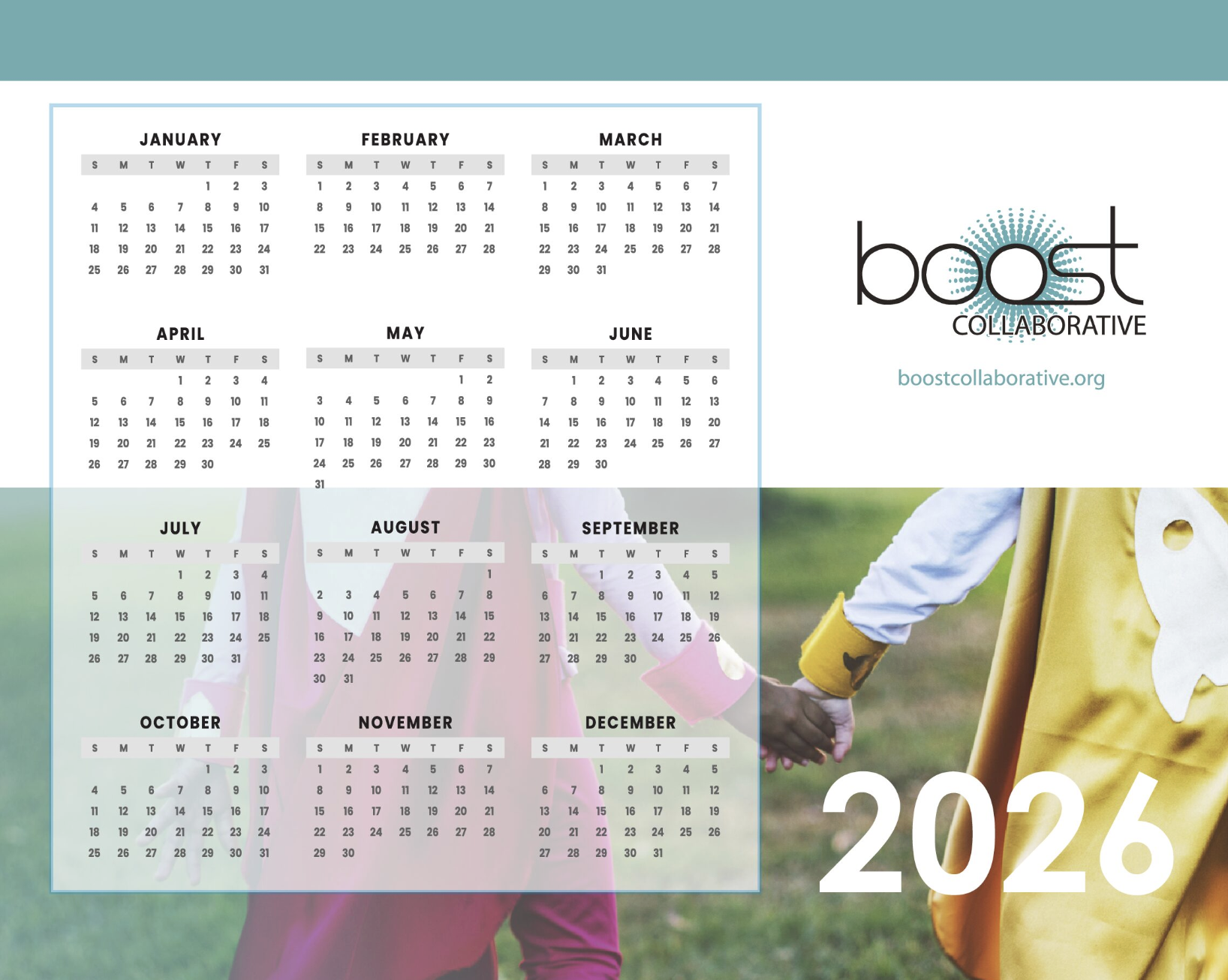

Click on the BOOST Kindness Calendar to download and save it to your computer. Then, use the calendar by opening up the file and/or printing it out to use whenever you need it!

BOOST Virtual Backgrounds
Click the virtual background of your choice and save it to your computer. Then, upload the photo to your virtual meeting account and set it as your background.






















BOOST Desktop Wallpaper
Click the BOOST desktop wallpaper of your choice and save it to your computer. Then, navigate to the file on your computer and set it as your desktop photo. Click for instructions for Mac and PC.













BOOST Mobile Phone Wallpaper
Click the BOOST phone wallpaper of your choice and save it to your computer/phone. Then, navigate to the file and set it as your background photo.






BOOST Social Media Profile Pictures
Click the profile picture you wish to download and save it to your computer. Then, upload the photo to your favorite social media platform.